
How to listen to Spotify in nightcore style on PC
Raise the pitch of any Spotify song in real time on Windows for a nightcore sound, without downloading or editing the track.
Nightcore versions raise the pitch of a song so it sounds brighter and more energetic. With Audio Pitcher you can get that sound on any Spotify song, live, without downloading or editing anything.
Steps
- Open Spotify and press play.
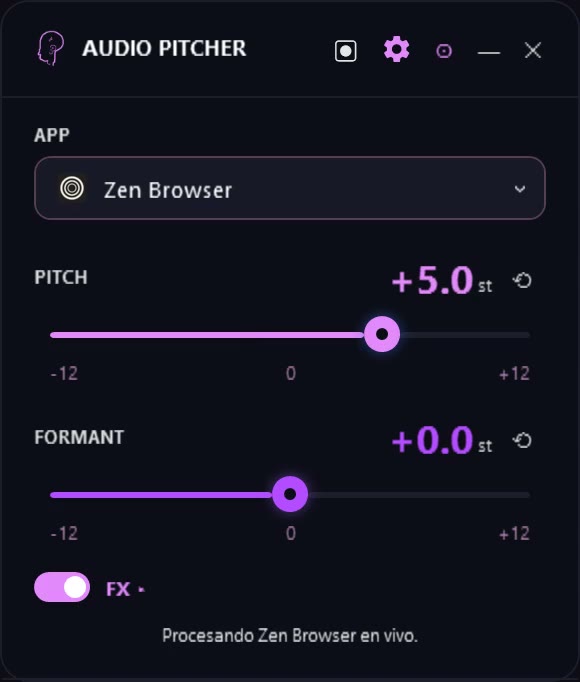
- In Audio Pitcher, pick Spotify under APP.
- Raise PITCH between +3 and +5 semitones. Around +4 is the classic nightcore range.
- Optional: turn on FX and add a little reverb (WET around 15%) for a fuller sound.
Classic nightcore also speeds the song up. Audio Pitcher only changes the pitch and keeps the original speed, so the song lasts the same.
Keep voices from sounding squeaky
If vocals sound too thin at +4 or more, move FORMANT down a little (for example −2). The tone stays high but the voice sounds more natural.
Save a clip
Use the record button to capture a fragment, trim it and save it as WAV. Keep it for personal use: songs are copyrighted.